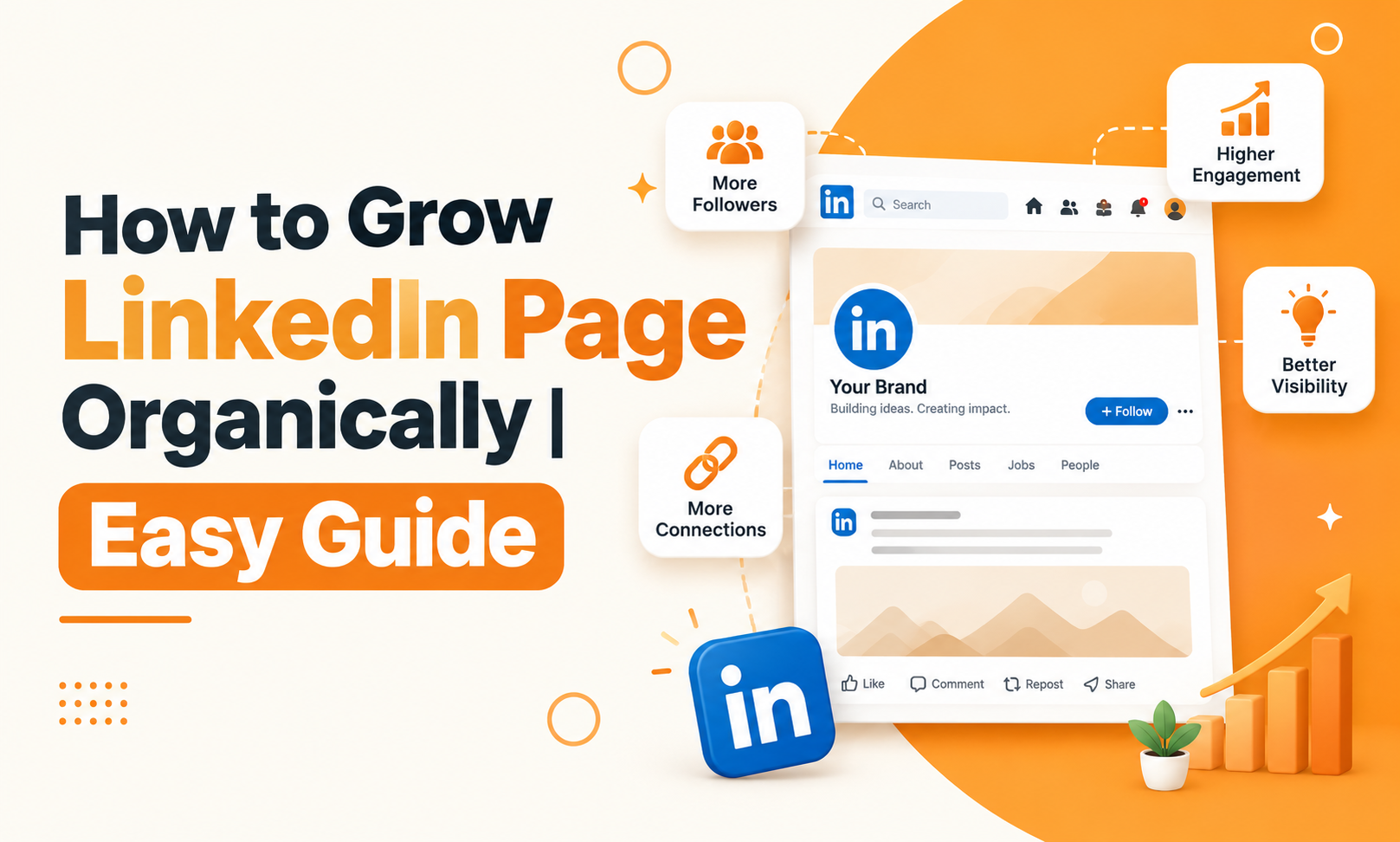
How to Grow LinkedIn Page Organically | Easy Guide
October 9, 2026, 3 MINUTE READ

How to Grow LinkedIn Page Organically | Easy Guide

Want to grow LinkedIn page without spending money on ads? Many business owners and marketers ask the same question. Growing a LinkedIn company page or LinkedIn business page the organic way takes time, but it builds real trust and long-term results. In this guide, you will learn practical ways to grow LinkedIn page, grow LinkedIn company page, and grow LinkedIn organically with clear steps anyone can follow. Why You Should Grow LinkedIn Page Organically LinkedIn is the top platform for professional networking. A strong LinkedIn company page helps you attract customers, partners, and talent. Paid ads can bring quick visibility, but organic growth lasts longer and costs nothing extra. When you grow LinkedIn page through valuable content and real engagement, people see your brand as helpful instead of salesy. Organic growth also improves your page ranking inside LinkedIn’s algorithm. The platform rewards pages that post regularly, get comments, and keep people reading. If your goal is to grow LinkedIn company page or LinkedIn business page, focusing on organic methods is the smartest long-term plan. Optimize Your LinkedIn Company Page First Before you try to grow LinkedIn page, make sure the page itself looks professional and complete. An incomplete page turns visitors away. Start with these basics: Use a clear logo and a banner image that shows what your company does. Write a complete “About” section with your primary services and keywords naturally placed. Add a custom button (like “Visit website” or “Contact us”). List your location, industry, and company size accurately. Fill every section so the page looks active and trustworthy. A well-optimized LinkedIn company page or LinkedIn business page makes it easier to grow LinkedIn organically because people stay longer and engage more. Create Content That People Actually Want to Read Content is the engine that helps you grow LinkedIn page. Posting random updates will not work. Focus on content that solves problems or teaches something useful. Here are content ideas that perform well: Short tips related to your industry Behind-the-scenes posts about your team or process Customer success stories (with permission) Industry news with your own simple opinion How-to guides written in easy language Polls and questions that invite comments When you create posts, keep the language simple. Use short paragraphs and clear sentences. Add relevant hashtags, but do not overdo them. Aim for 3–5 hashtags per post. Consistent, helpful content is one of the best ways to grow LinkedIn company page and grow LinkedIn organically. Post at least 3–5 times per week. Consistency signals to LinkedIn that your page is active. Over time, this helps you grow LinkedIn page faster. Encourage Employee Advocacy Your team can become your biggest growth channel. Ask employees to follow the company page and share posts with their own comments. When employees engage, their networks see the content, which brings new followers. Create a simple system: Share upcoming posts in an internal chat or email. Ask team members to like, comment, or share within the first hour. Celebrate employees who actively support the page. Employee advocacy is a powerful free method to grow LinkedIn page and grow LinkedIn company page without paid promotion. Engage With Your Audience Every Day Posting is only half the work. Engagement is what really helps you grow LinkedIn organically. Reply to every comment on your posts. Ask follow-up questions. Thank people who share your content. Also spend time on other people’s posts. Comment thoughtfully on posts from people in your industry, potential customers, and partners. Meaningful comments get noticed and often bring people back to your LinkedIn company page or LinkedIn business page. Set aside 15–20 minutes daily for engagement. This habit compounds over weeks and months and becomes one of the strongest ways to grow LinkedIn page. Use LinkedIn Features Fully LinkedIn offers several free features that support organic growth: LinkedIn Newsletter: Start a newsletter on a topic your audience cares about. Newsletters appear in people’s inboxes and help you grow LinkedIn organically. Events: Host free virtual events or webinars and promote them on your page. Live video: Go live when you have something valuable to share. Live content often gets higher reach. Documents and carousels: Upload PDF guides or multi-image posts. These formats keep people on the post longer, which the algorithm likes. Using these features regularly helps you grow LinkedIn company page and keep your audience interested. Collaborate and Cross-Promote Partner with other pages or creators in your industry. You can co-create a post, interview each other, or mention one another in content. Cross-promotion introduces your page to new audiences who are already interested in similar topics. You can also share your LinkedIn posts on other platforms (with a link back to LinkedIn) or mention your LinkedIn company page in email signatures and website footers. Every mention is a chance to grow LinkedIn page naturally. Track What Works and Improve You cannot improve what you do not measure. Check your LinkedIn page analytics regularly. Look at: Follower growth Post impressions and engagement rate Which posts get the most comments and shares Visitor demographics Double down on the content types and topics that perform best. Stop or change what gets little response. Data-driven adjustments help you grow LinkedIn organically more efficiently over time. Common Mistakes That Slow Growth Many pages struggle because of avoidable mistakes: Posting only promotional content Ignoring comments Inconsistent posting schedule Using hard-to-read language or too much jargon Buying fake followers (this hurts reach long-term) Neglecting the page for weeks Avoid these habits if you want to grow LinkedIn page the right way. How Long Does It Take to Grow LinkedIn Page Organically? Results vary, but most pages that post consistently and engage daily start seeing steady growth within 2–3 months. Significant follower increases often appear after 6 months of focused effort. Patience and consistency matter more than any single tactic when you grow LinkedIn company page or LinkedIn business page organically. Final Tips to Grow LinkedIn Page Faster Write every post with your ideal reader in mind. Mix educational, inspirational, and light personal content. Use a clear call-to-action in many posts (for example, “What do you think?” or “Follow us for more tips”). Update your page banner and about section a few times a year. Stay active even when growth feels slow. Growing a LinkedIn company page or LinkedIn business page organically is completely possible with the right approach. Focus on value, consistency, and real conversations. Over time, these actions help you grow LinkedIn page, attract the right audience, and build a strong professional presence that supports your business goals. Start with one or two strategies from this guide today. Optimize your page, plan your next three posts, and reply to comments. Small daily actions add up. Keep going, and you will see your LinkedIn page grow steadily the organic way.

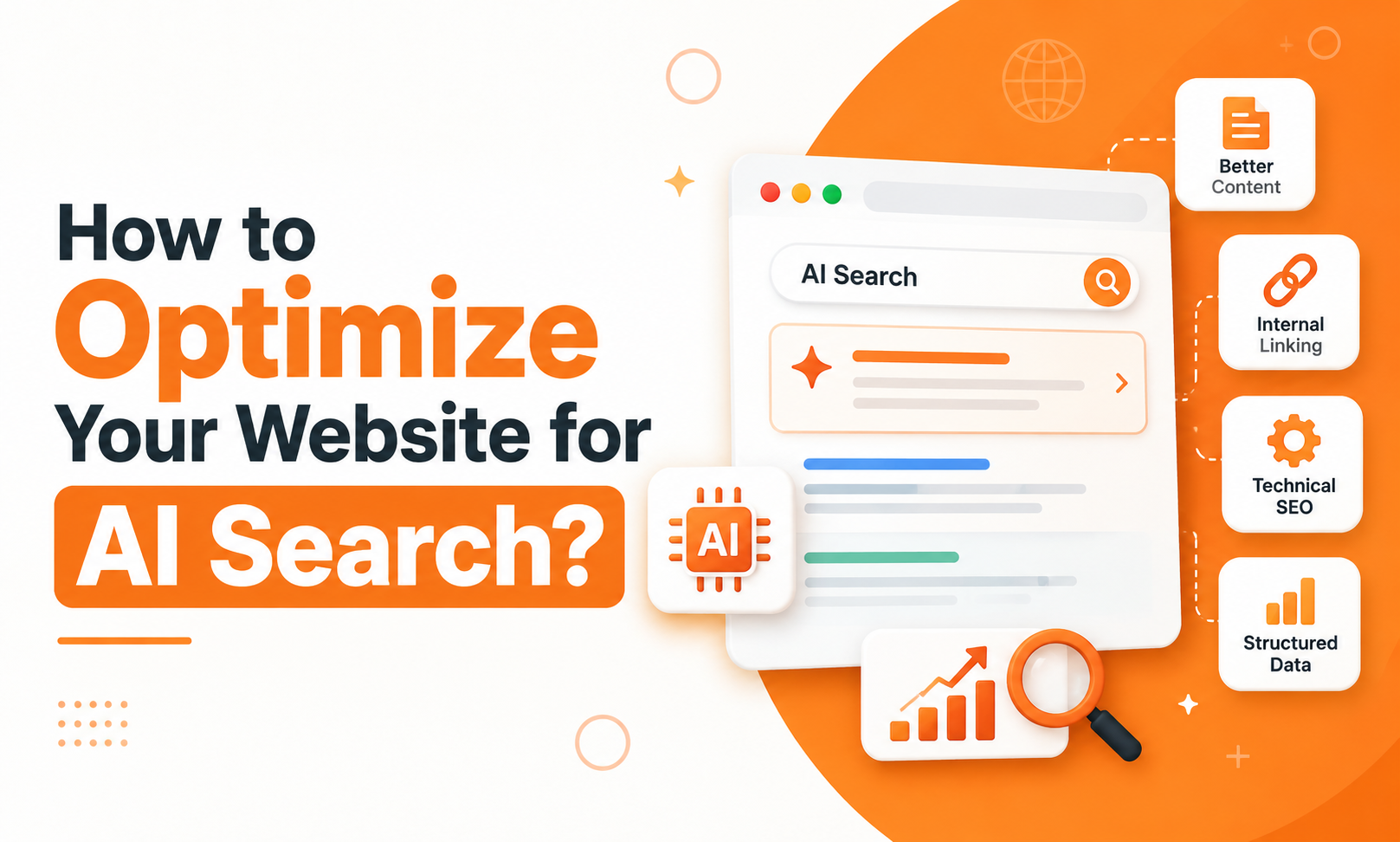
How to Optimize Your Website for AI Search?
October 7, 2026, 3 MINUTE READ

How to Optimize Your Website for AI Search?

Search is changing quickly. People are no longer using Google only to find websites and read different pages. Today, users are also asking questions directly to AI tools such as ChatGPT, Google AI Overviews, Gemini, Perplexity, and other AI-powered search platforms. This change has created a new opportunity for businesses: AI Search. If your website is easy for AI systems to understand, your content can become a source for AI-generated answers. This can help your brand get more visibility, traffic, mentions, and potential customers. But how do you optimize a website for AI Search? In this guide, we will explain AI Search in SEO, how AI search engines understand websites, how to rank on AI, and the most important steps for effective website optimization. What Is AI Search? AI Search is a way of searching where artificial intelligence understands a user's question and provides a direct, detailed answer instead of simply showing a list of website links. Traditional search usually works like this: User Search → Search Results → Website → Answer AI Search can work more like: User Question → AI Understands Intent → Information From Multiple Sources → Direct Answer For example, instead of searching: “Best digital marketing agency in Delhi” a user may ask an AI search platform: “Which digital marketing agencies in Delhi are good for SEO and Google Ads?” The AI can understand the complete question, compare information, and provide a more useful answer. This is why businesses now need to think beyond traditional SEO and start focusing on AI Search optimization. Why Is AI Search Important for SEO? AI Search does not mean that traditional SEO is dead. In fact, strong SEO can help your website become more useful for AI systems. Search engines and AI platforms need reliable, structured, and relevant information to understand websites. Your existing SEO foundation can support this process. This is where AI Search in SEO becomes important. Traditional SEO focuses heavily on ranking webpages for specific searches. AI Search focuses more on whether your content can provide a clear and useful answer to a user's complete question. For example, instead of creating an article only around the keyword “SEO cost,” you should answer related questions such as: How much does SEO cost? What affects SEO pricing? What does an SEO agency include? How long does SEO take? Is SEO worth the investment? When your content answers related questions clearly, it becomes more useful for both users and AI systems. How Does AI Search Understand Your Website? AI systems use different signals to understand content, entities, topics, websites, and relationships between information. Your website should therefore make its information easy to understand. Some important factors include: Relevant content: Your content should directly answer the user's question. Topical authority: Your website should cover a subject in depth instead of publishing random articles. Clear structure: Headings, paragraphs, lists, FAQs, and tables can make information easier to understand. Trust signals: Author information, business details, references, reviews, and reliable information can strengthen credibility. Technical SEO: Search engines still need to crawl, index, and understand your website properly. This means good website optimization remains one of the foundations of AI Search visibility. 1. Create Content That Answers Real Questions One of the best ways to prepare your website for AI Search is to understand what your audience actually wants to know. Do not create content only because a keyword has search volume. Think about the complete question behind the keyword. For example, if your main topic is “digital marketing cost,” your article should not simply repeat that phrase. Instead, explain: Average digital marketing costs Different pricing models Factors that affect pricing Agency vs freelancer costs SEO, PPC, and social media costs What businesses should expect from an agency This gives AI systems more useful information to understand and potentially use in an answer. 2. Build Strong Topic Clusters A single article is rarely enough to establish strong topical authority. Suppose you have a digital marketing agency website. You can create a topic cluster around digital marketing. Your main page could target: Digital Marketing Services Supporting blogs could cover: What Is Digital Marketing? Digital Marketing Strategy Digital Marketing Cost SEO vs Google Ads Social Media Marketing Performance Marketing AI Search Generative Engine Optimization Google Business Profile Optimization Then connect these pages using relevant internal links. This helps search engines understand the relationship between your content and can also create a stronger information network for AI Search. 3. Write Direct and Clear Answers AI systems need to understand information quickly. Avoid making users read five paragraphs before finding the answer. For important questions, provide a direct answer first and then explain it in detail. For example: What is AI Search? AI Search uses artificial intelligence to understand a user's query and provide a direct answer using information from relevant sources. Then continue with a deeper explanation. This format is useful for users and makes your content easier to understand. 4. Use Natural Language and Related Keywords Do not focus on repeating the same keyword again and again. Instead, use related terms naturally throughout the article. For an AI Search article, supporting keywords can include: AI search optimization AI search engines AI search SEO AI-powered search AI Overviews Generative Engine Optimization Answer Engine Optimization AI search ranking website optimization search engine optimization This gives your content broader topical coverage. Keyword proximity also matters. Keep important terms close to the concepts they describe instead of placing keywords randomly throughout the article. 5. Improve Your Website's Technical SEO Content is important, but technical website optimization should not be ignored. Make sure your website: Can be crawled by search engines Has important pages indexed Loads quickly Works well on mobile devices Uses HTTPS Has a clean URL structure Uses proper internal linking Has XML sitemaps Avoids unnecessary duplicate pages AI Search does not replace technical SEO. If search engines cannot properly access or understand your website, your content has less chance of being discovered and used. 6. Add Structured Data Where Relevant Structured data helps search engines understand what information exists on a webpage. Depending on your page, you can use relevant schema types such as: Article Schema Organization Schema LocalBusiness Schema Product Schema Review Schema FAQ Schema Breadcrumb Schema Do not add schema simply for the sake of adding it. Use structured data when it accurately represents the content on your page. Better structured information can support your overall AI Search and SEO strategy. 7. Build Trust and Demonstrate Experience AI systems need reliable information. This means your website should clearly show who is behind the content and why users should trust your business. Add useful trust signals such as: Author information Company information Contact details Client case studies Reviews and testimonials Real examples Original research Statistics with reliable sources Experience-based insights For example, if you are writing about SEO, explaining something from real client experience can make the content more valuable than simply rewriting information available on other websites. 8. Make Your Content Easy to Extract and Understand If you want to rank on AI, focus on clarity. Use: Short paragraphs Descriptive headings Bullet points Numbered steps Definitions Comparisons Examples FAQs For complex topics, explain the concept first and then provide examples. This creates content that is easier for humans to read and easier for machines to understand. Can You Actually Rank on AI Search? Yes, but AI Search visibility is different from traditional Google rankings. There is no simple trick that guarantees your website will appear in every AI answer. Instead, focus on becoming a reliable and useful source for your topic. A strong strategy includes: Quality SEO + Helpful Content + Topical Authority + Technical SEO + Brand Trust + Clear Information These elements can increase the chances of your website being discovered, understood, referenced, or mentioned by AI-powered search experiences. AI Search vs Traditional SEO Traditional SEO and AI Search should not be treated as two completely separate strategies. Traditional SEO focuses on ranking webpages in search results. AI Search focuses more on providing useful answers and information through AI-generated responses. However, both need: High-quality content Strong technical foundations Relevant topics Good user experience Trust Authority Clear information Therefore, the best approach is not to stop doing SEO. Instead, improve your existing SEO strategy so your website is prepared for the changing search experience. Final Thoughts AI Search is changing how people discover information online. Businesses that only focus on traditional keyword rankings may miss new opportunities as users increasingly search through AI-powered platforms. The good news is that the fundamentals remain similar. Create helpful content, answer real questions, build topical authority, improve technical SEO, use relevant structured data, and show genuine expertise. If you want to rank on AI, don't create content only for algorithms. Create content that gives people the best possible answer. That is the foundation of modern AI Search in SEO and effective website optimization.

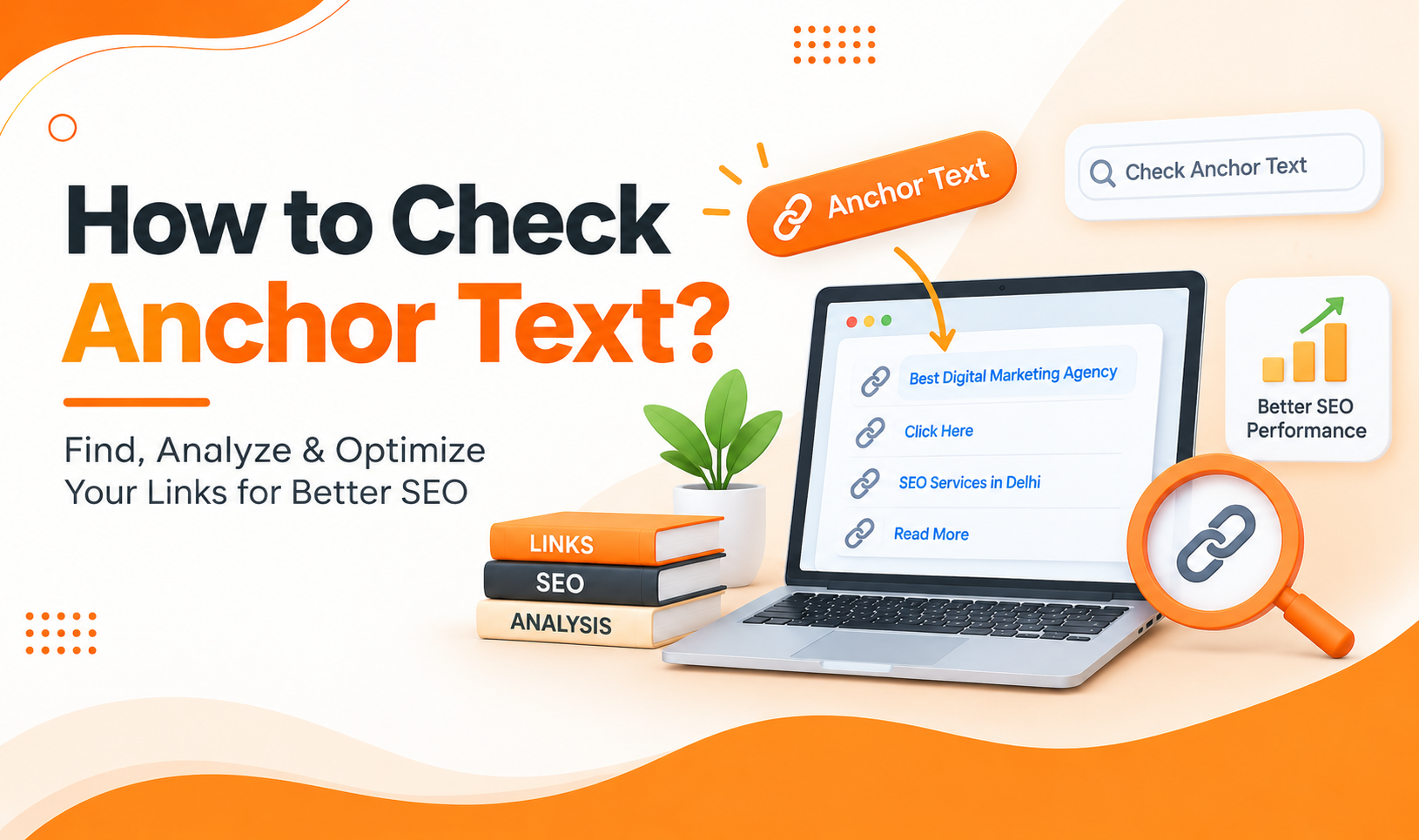
How to Check Anchor Text: A Simple Guide for Better SEO
October 5, 2026, 3 MINUTE READ

How to Check Anchor Text: A Simple Guide for Better SEO

Have you ever clicked on a blue underlined word or phrase on a webpage and landed on another page? That clickable text is called anchor text. Understanding what is anchor text, knowing how to check anchor text, and learning the proper use of anchor text can improve your website’s SEO and user experience. In this blog, we will explain what is anchor text in easy words, why it matters, and most importantly, how to check anchor text on your own site or others. Everything is written in simple English so anyone can follow. What is Anchor Text? What is anchor text? Anchor text is the visible, clickable text in a hyperlink. When someone writes a link, the words they choose to display become the anchor text. For example: If you see a sentence like “Learn more about SEO tips here,” the words “SEO tips” are the anchor text. When you click them, you go to another page. Anchor text helps both users and search engines. Users understand where the link will take them. Search engines like Google use anchor text to understand the topic of the linked page. There are different types of anchor text: Exact match: The anchor text exactly matches the target keyword (e.g., “check anchor text”). Partial match: The anchor text includes the keyword with extra words (e.g., “how to check anchor text easily”). Branded: Uses a brand name (e.g., “Grok AI”). Generic: Words like “click here,” “read more,” or “this website.” Naked URL: The full web address itself is the anchor text. Image: When an image is linked, the alt text acts as anchor text. Knowing what is anchor text is the first step. Next, let’s see why the use of anchor text is important. Use of Anchor Text in SEO and User Experience The proper use of anchor text brings many benefits: Helps search engines understand content Google looks at anchor text to get clues about the page it points to. Good anchor text can improve rankings for relevant keywords. Improves user experience Clear anchor text tells visitors exactly what they will find after clicking. This builds trust and reduces bounce rate. Builds better internal linking When you link pages inside your own website using relevant anchor text, you help search engines crawl your site better and pass ranking power between pages. Supports link building When other websites link to you, the anchor text they use affects how Google sees your page. However, overusing exact-match anchor text can look spammy. Natural and varied use of anchor text works best. Why You Should Check Anchor Text Regularly Many website owners never check anchor text. This can create problems: Too many exact-match links may trigger Google penalties. Generic anchor text like “click here” wastes SEO opportunities. Broken or irrelevant anchor text confuses users and search engines. Poor internal anchor text weakens your site structure. That is why learning how to check anchor text is important for every website owner, blogger, and SEO beginner. How to Check Anchor Text: Easy Methods Here are practical ways to check anchor text. You do not need advanced technical skills. 1. Check Anchor Text Manually on Any Webpage This is the simplest method. Open the webpage in your browser (Chrome, Firefox, or Edge). Right-click on any link and select “Inspect” or “Inspect Element.” Look for the HTML code that starts with <a href=...>. The text between the opening and closing tags is the anchor text. Example: <a href="https://example.com">check anchor text</a> Here, “check anchor text” is the anchor text. You can also hover your mouse over a link. Many browsers show the destination URL, but the visible text is still the anchor text. 2. Check Anchor Text of Your Own Website Using Free Tools Google Search Console If you have verified your site in Google Search Console: Go to the “Links” report. Look at “External links” and “Internal links.” You can see top linking sites and sometimes the anchor text patterns. Browser Extensions Install free extensions like: SEO Minion Link Redirect Trace Check My Links These tools highlight all links on a page and often show the anchor text clearly. 3. Check Anchor Text with Professional SEO Tools For deeper analysis (especially backlinks), use tools such as: Ahrefs – Go to Site Explorer → Backlinks. You can see the exact anchor text used by other websites linking to you. SEMrush – Use the Backlink Analytics tool. Filter by anchor text to see distribution. Moz Link Explorer – Shows anchor text breakdown. Ubersuggest or Mangools – Good budget-friendly options for checking anchor text. These tools help you check anchor text for both internal links and external backlinks. Look for over-optimization (too many exact-match anchors) or spammy patterns. 4. Check Internal Anchor Text on Your Website Internal linking is under your control. To check anchor text inside your site: Use a site crawler like Screaming Frog (free version available). Crawl your website. Export the internal links report. Look at the “Anchor Text” column. You can also search your site with Google using operators, but a crawler is more accurate. Best Practices for Anchor Text Once you know how to check anchor text, follow these simple rules for better results: Make anchor text descriptive and natural. Vary your anchor text. Do not always use the same keyword. Prefer partial-match and branded anchor text for external links. Keep anchor text concise (usually 2–5 words). Ensure the anchor text matches the content of the target page. Avoid keyword stuffing in anchor text. For images, always write clear alt text because it works as anchor text. Good use of anchor text feels natural to readers. If it sounds forced, rewrite it. Common Mistakes When Using Anchor Text Many beginners make these errors: Using “click here” or “read more” everywhere. Forcing exact-match anchor text on every link. Linking with irrelevant anchor text. Ignoring mobile users (make sure links are easy to tap). Not checking anchor text after major site updates. By regularly taking time to check anchor text, you can avoid these mistakes. Final Thoughts Now you understand what is anchor text, the smart use of anchor text, and clear ways to check anchor text. Start with the simple manual method today. Open a few pages of your website, inspect the links, and review the anchor text. Then move to free tools or Google Search Console. If your site grows, consider a professional SEO tool for deeper insights. Good anchor text helps both people and search engines. It makes your content clearer, improves navigation, and supports better rankings over time. Take a few minutes this week to check anchor text on your most important pages. Small improvements in anchor text can make a real difference in the long run. Remember: Keep it natural, keep it helpful, and keep checking. Your website (and your visitors) will thank you.

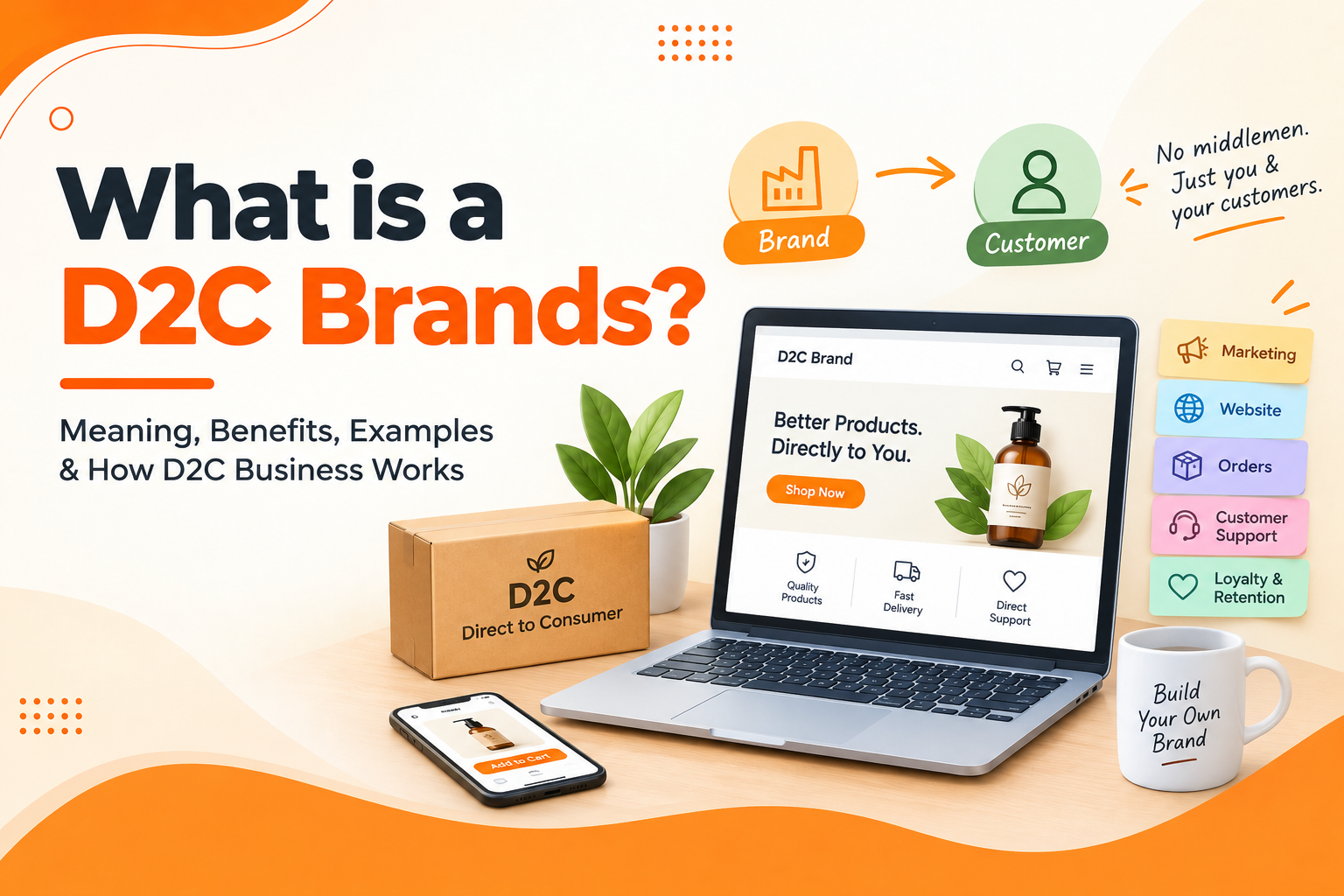
What is a D2C Brand? Meaning, Benefits, Examples & How D2C Business Works
October 1, 2026, 3 MINUTE READ

What is a D2C Brand? Meaning, Benefits, Examples & How D2C Business Works

If you have ever purchased a product directly from a brand’s website or Instagram page without visiting a retail store, you have already experienced the D2C business model. But what is D2C brand and why are so many new businesses choosing this model? D2C has changed the way brands sell products, communicate with customers, and build long-term relationships. From skincare and fashion to food, fitness, and electronics, many businesses are now moving directly to consumers through websites, social media, marketplaces, and mobile apps. In this blog, we will understand what is a D2C brand, the D2C full form, how a D2C business works, its benefits, challenges, and the growth of D2C brands in India. What is D2C Brand? A D2C brand stands for Direct-to-Consumer brand. It is a business that sells its products or services directly to customers without depending heavily on traditional middlemen such as distributors, wholesalers, or retail stores. For example, imagine a skincare brand that manufactures its own products and sells them through its website. A customer discovers the brand through an Instagram ad, visits the website, places an order, and receives the product at home. There is no traditional retailer involved in this process. This is the basic idea behind what is D2C brand. The brand controls important parts of the customer journey, including marketing, website experience, pricing, customer communication, order processing, and after-sales support. D2C Full Form The D2C full form is Direct-to-Consumer. The term explains the business model itself. "Direct" means the company sells directly, while "Consumer" refers to the final customer purchasing the product. Unlike traditional businesses that may use several distribution layers, a D2C business tries to create a direct relationship between the brand and its customers. D2C Brands Meaning The D2C brands meaning becomes easier to understand when we compare it with a traditional business model. In a traditional model, a product may move through several stages: Manufacturer → Distributor → Wholesaler → Retailer → Customer In a D2C model, the journey can be much shorter: Brand → Customer For example, a D2C clothing brand can manufacture or source its products, promote them through Instagram and Google, sell them through its website, and deliver them directly to customers. This gives the brand more control over the overall customer experience. How Does a D2C Business Work? A D2C business generally uses digital platforms to attract customers and sell products. The process can look like this: 1. Product Creation The brand first develops or sources a product based on customer demand. This could be anything from cosmetics and clothing to food products or fitness equipment. 2. Building an Online Store The brand creates a website or online store where customers can learn about products, check prices, read reviews, and place orders. 3. Digital Marketing D2C brands use channels such as Google Ads, Meta Ads, Instagram, YouTube, SEO, influencers, and email marketing to reach potential customers. 4. Customer Places an Order Once a customer decides to purchase, they complete the checkout process on the brand's website or another online platform. 5. Product Delivery The order is processed and shipped directly to the customer through a logistics or delivery partner. 6. Customer Retention After the purchase, the brand can use email, WhatsApp, SMS, loyalty programs, remarketing, and other channels to encourage repeat purchases. This complete journey makes customer data extremely valuable for a D2C business. Why Are D2C Brands Growing? One major reason behind the growth of D2C brands is the rapid growth of online shopping. Customers can now discover a new product through a social media Reel, search for reviews on Google, visit the website, and purchase the product within minutes. Digital advertising has also made it easier for smaller brands to reach specific audiences without opening hundreds of physical stores. For example, a new skincare brand can target people interested in skincare, beauty, or a specific skin concern through digital advertising. This ability to reach a focused audience has created new opportunities for D2C businesses. Benefits of a D2C Business Direct Customer Relationship One of the biggest advantages of a D2C model is the direct relationship with customers. The brand can communicate with customers without depending entirely on retailers. Better Customer Data D2C brands can collect useful information about customer behaviour, such as products viewed, purchases, repeat orders, and website interactions. This information can help businesses improve their marketing and products. More Control Over Branding A D2C brand can control how its products are presented, from website design and packaging to advertisements and customer communication. Faster Customer Feedback Customers can directly share reviews, complaints, suggestions, and product feedback with the brand. This can help the business understand what customers actually want. Personalised Marketing Because D2C brands have direct access to customer interactions, they can create personalised offers, recommendations, and remarketing campaigns. Challenges of D2C Brands Although the D2C model has many advantages, it also comes with challenges. Customer acquisition can be expensive because brands often need to spend money on advertising to attract new customers. Competition is another major challenge. Customers have thousands of products to choose from, so a D2C brand needs strong branding, good products, customer reviews, and a smooth buying experience. D2C businesses also need to manage logistics, returns, customer support, inventory, payment processing, and website performance. Therefore, having a website alone is not enough. A successful D2C business needs a complete customer acquisition and retention strategy. D2C India: Growth of D2C Brands in India The D2C India market has grown significantly with the rise of smartphones, digital payments, social media, and online shopping. Indian customers are increasingly comfortable discovering and purchasing products online. This has created opportunities for both new startups and traditional businesses to build direct relationships with customers. Many Indian D2C brands operate in categories such as beauty, fashion, food, personal care, home products, fitness, and lifestyle. Social media has played an important role in this growth. A brand can create content, build a community, work with creators, run advertisements, and send customers directly to its website. This makes D2C India an important part of the country's growing digital commerce ecosystem. D2C Brand vs Traditional Brand The biggest difference between a D2C brand and a traditional brand is the relationship with the customer. A traditional brand may depend on distributors and retailers to reach customers, while a D2C business focuses on selling directly through its own digital channels. D2C Brand Traditional Brand Sells directly to customers Often uses distributors and retailers More control over customer experience Retailers may control part of the experience Direct access to customer data Customer data may be limited Strong focus on digital marketing Often depends on offline distribution Direct customer feedback Feedback may pass through intermediaries Both models can work successfully. The right model depends on the product, target audience, distribution strategy, and business goals. Examples of D2C Business Channels A modern D2C business does not necessarily depend on only one platform. Brands commonly use multiple channels, including: Brand website Instagram and Facebook Google Search Google Shopping YouTube Email marketing WhatsApp Influencer marketing Mobile applications Online marketplaces The goal is to bring customers into the brand's ecosystem and create a strong relationship beyond a single purchase. Final Thoughts So, what is D2C brand? A D2C brand is a business that sells directly to its customers, usually through digital channels, instead of relying completely on traditional distribution networks. The D2C full form is Direct-to-Consumer, and the model gives businesses greater control over branding, customer relationships, marketing, and customer data. With the growth of e-commerce, social media, digital advertising, and online payments, the D2C business model has become an important part of modern commerce. For businesses in D2C India, the opportunity is not only about selling products online. It is about building a strong brand, understanding customers, creating a smooth buying journey, and turning first-time buyers into repeat customers.

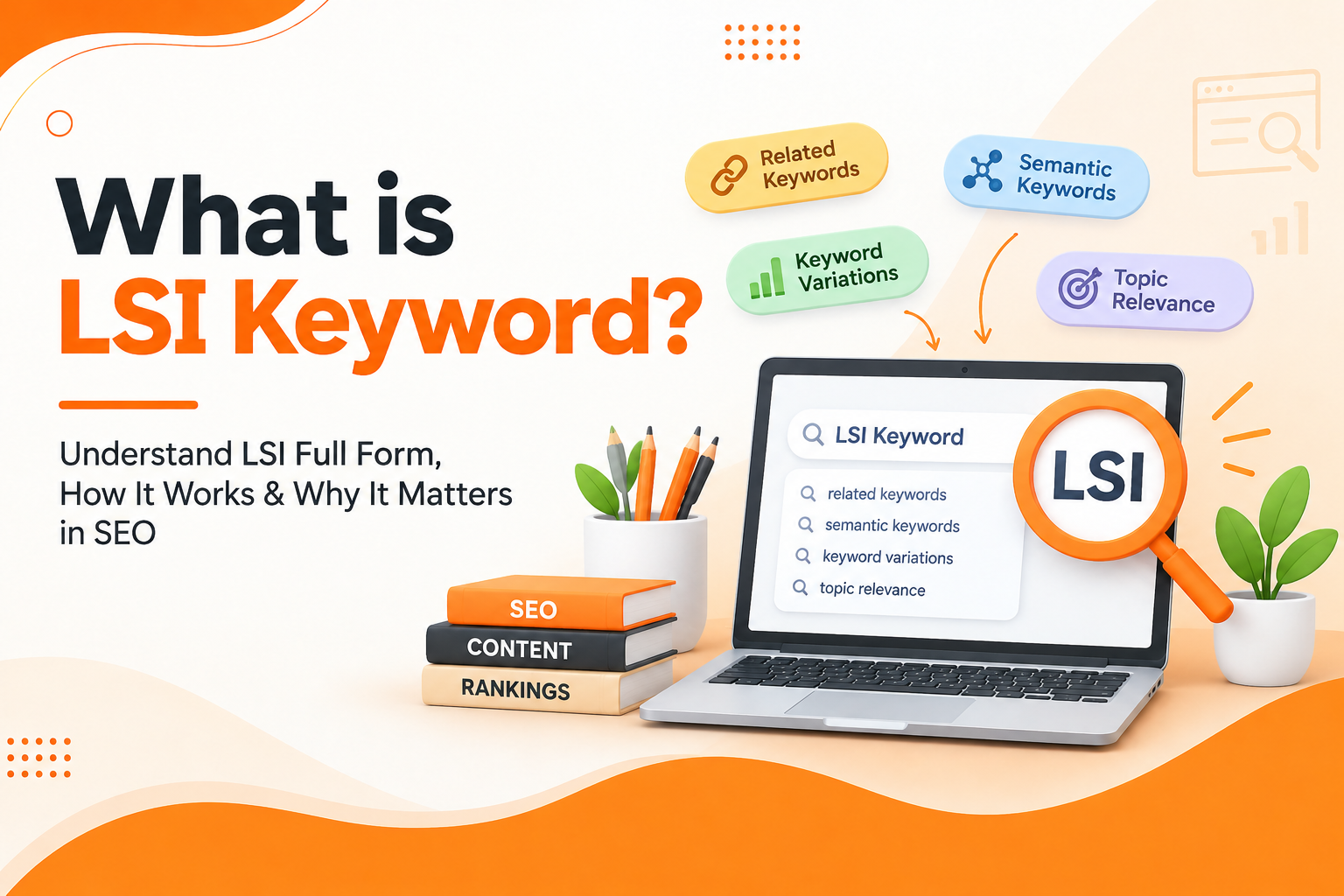
What Are LSI Keywords? Understanding LSI Full Form in SEO
September 30, 2026, 3 MINUTE READ

What Are LSI Keywords? Understanding LSI Full Form in SEO

If you are learning SEO, you may have heard terms like LSI keywords, semantic keywords, related keywords, and keyword variations. But what do these terms actually mean, and how can they help your content? The LSI full form in SEO is Latent Semantic Indexing. In simple words, LSI refers to a method of understanding the relationship between different words and topics within content. However, the term “LSI keywords” is commonly used in SEO to describe words and phrases that are closely related to the main topic of a page. For example, if your main keyword is “digital marketing,” related terms could include SEO, social media marketing, PPC, content marketing, Google Ads, and online advertising. In this guide, we will understand what is LSI, how LSI keywords work, how to find them, and whether you should use an LSI keyword generator for your SEO strategy. What Is LSI in SEO? The LSI full form in SEO stands for Latent Semantic Indexing. LSI is a mathematical technique that was developed to identify relationships between words and documents based on the context in which those words appear. In SEO, however, the phrase LSI keywords is generally used in a broader and simpler way. SEO professionals often use it to describe related terms, topic variations, and semantic keywords that help search engines understand what a page is about. For example, suppose your primary keyword is “Apple.” The meaning of Apple can be confusing because it could refer to the fruit or the technology company. If your content contains words such as iPhone, MacBook, iOS, iPad, and App Store, the overall context makes it clear that your article is about Apple the company. This is where related and semantic terms become useful. Why Are LSI Keywords Important for SEO? Understanding the LSI full form in SEO is useful, but knowing how related keywords support your content is even more important. Search engines do not look at only one keyword when understanding a webpage. They can analyze the overall topic, context, entities, phrases, and relationships between different words. Using relevant related terms can make your content more complete and easier to understand. For example, if you are writing about “SEO audit,” naturally related terms could include: Technical SEO Website audit On-page SEO Backlinks Crawl errors Indexing Core Web Vitals Keyword research Internal linking You do not need to force every term into your article. The goal is to cover the topic naturally and provide useful information to readers. LSI Keywords vs Semantic Keywords People often use LSI keywords and semantic keywords interchangeably, but there is an important distinction. The term LSI comes from Latent Semantic Indexing, which is a specific information-retrieval technique. Modern search engines use much more advanced systems for understanding language and search intent. Therefore, when SEO professionals talk about LSI keywords today, they usually mean related or semantically connected keywords, rather than actual LSI technology. Semantic keywords are words and phrases that are connected to the meaning and context of your primary topic. For example, for the topic “running shoes,” semantic keywords may include: Running sneakers Sports shoes Road running Cushioning Trail running Athletic footwear Running shoes for beginners These terms help create topical depth without repeating the same keyword again and again. How Do LSI Keywords Help Your Content? The LSI full form in SEO may sound technical, but the practical idea is quite simple: create content that clearly covers the topic. Here are some ways related keywords can improve your content: 1. They Improve Topic Relevance When your article naturally includes related terms, it gives search engines more context about the subject. For example, an article about Google Search Console can naturally discuss indexing, search queries, impressions, clicks, pages, coverage, and performance. 2. They Reduce Keyword Repetition Repeating the exact same keyword too many times can make content difficult to read. Instead of repeatedly using one phrase, you can naturally use variations and related terms. This creates a better experience for both readers and search engines. 3. They Help Cover Search Intent People may search for the same topic using different phrases. For example, someone interested in SEO tools may search for: Best SEO tools SEO software SEO tools for beginners Keyword research tools Website SEO checker Understanding these variations can help you create content that answers more questions around the same topic. How to Find LSI Keywords? You do not always need a paid tool to find related keywords. There are several simple methods you can use. Google Search Start typing your main keyword into Google and check autocomplete suggestions. You can also look at the People Also Ask section and related searches. These suggestions can provide useful ideas about what users are searching for. Competitor Analysis Search for your target keyword and analyze the pages ranking on the first page. Look at their headings, subtopics, FAQs, and commonly used terms. Do not copy their content. Instead, identify useful topics that your own article should cover. Keyword Research Tools Many SEO platforms provide related keyword suggestions, keyword variations, and topic ideas. You can also use an LSI keyword generator to quickly generate related terms around your primary keyword. However, do not blindly add every keyword suggested by a tool. Always check whether the keyword is actually relevant to your topic and audience. What Is an LSI Keyword Generator? An LSI keyword generator is a tool that provides words and phrases related to your main keyword. For example, if you enter “content marketing,” the tool might suggest terms such as: Content strategy Blog content Content creation Content distribution Audience engagement Content promotion These suggestions can help you find additional topics to cover. The important thing is to use these suggestions naturally. SEO is not about inserting as many keywords as possible. It is about creating useful, well-structured content that satisfies the search intent. Should You Use LSI Keywords in Every Article? You can use related and semantic keywords when they genuinely make your content better, but you should not treat them as a checklist. If you understand the LSI full form in SEO, you should also understand that modern SEO is much broader than simply adding related words. Focus on: Search intent Helpful and original information Clear content structure Relevant entities and topics Internal linking Good user experience Accurate information Natural keyword usage Write for people first and optimize for search engines naturally. LSI Keywords and Keyword Density Keyword density is the percentage of times a keyword appears compared with the total number of words on a page. However, there is no magic keyword density percentage that guarantees higher rankings. If you are targeting a phrase such as “lsi full form in seo,” use it where it makes sense, especially in the introduction, relevant headings, body content, and FAQ section. Do not repeat the phrase unnaturally just to reach a specific percentage. Keyword stuffing can make your content look artificial and reduce readability. The better approach is to maintain keyword proximity and topical relevance. Keep related words close to the main topic when they naturally belong together. LSI Keywords vs Primary Keywords Your primary keyword is the main search term you want a page to target. For example: Primary Keyword: LSI full form in SEO Related terms could include: What is LSI LSI keywords LSI keyword generator Semantic keywords Related keywords Latent Semantic Indexing Keyword variations Search intent Your primary keyword tells you the main topic, while related terms help you build a complete article around that topic. Final Thoughts Understanding the LSI full form in SEO can help beginners understand why related terms and topic relevance matter in content creation. Although “LSI keywords” is a popular SEO term, it is more accurate to think of them as related or semantic keywords rather than assuming Google directly uses traditional Latent Semantic Indexing for ranking. Instead of focusing only on keyword repetition, create content that covers the topic thoroughly, answers real questions, and uses relevant terminology naturally. Use tools such as an LSI keyword generator for ideas, study the search results, analyze competitors, and most importantly, understand what your audience actually wants to know. When your content has strong topical relevance and provides genuine value, your keywords can fit naturally into the article without making it sound forced.

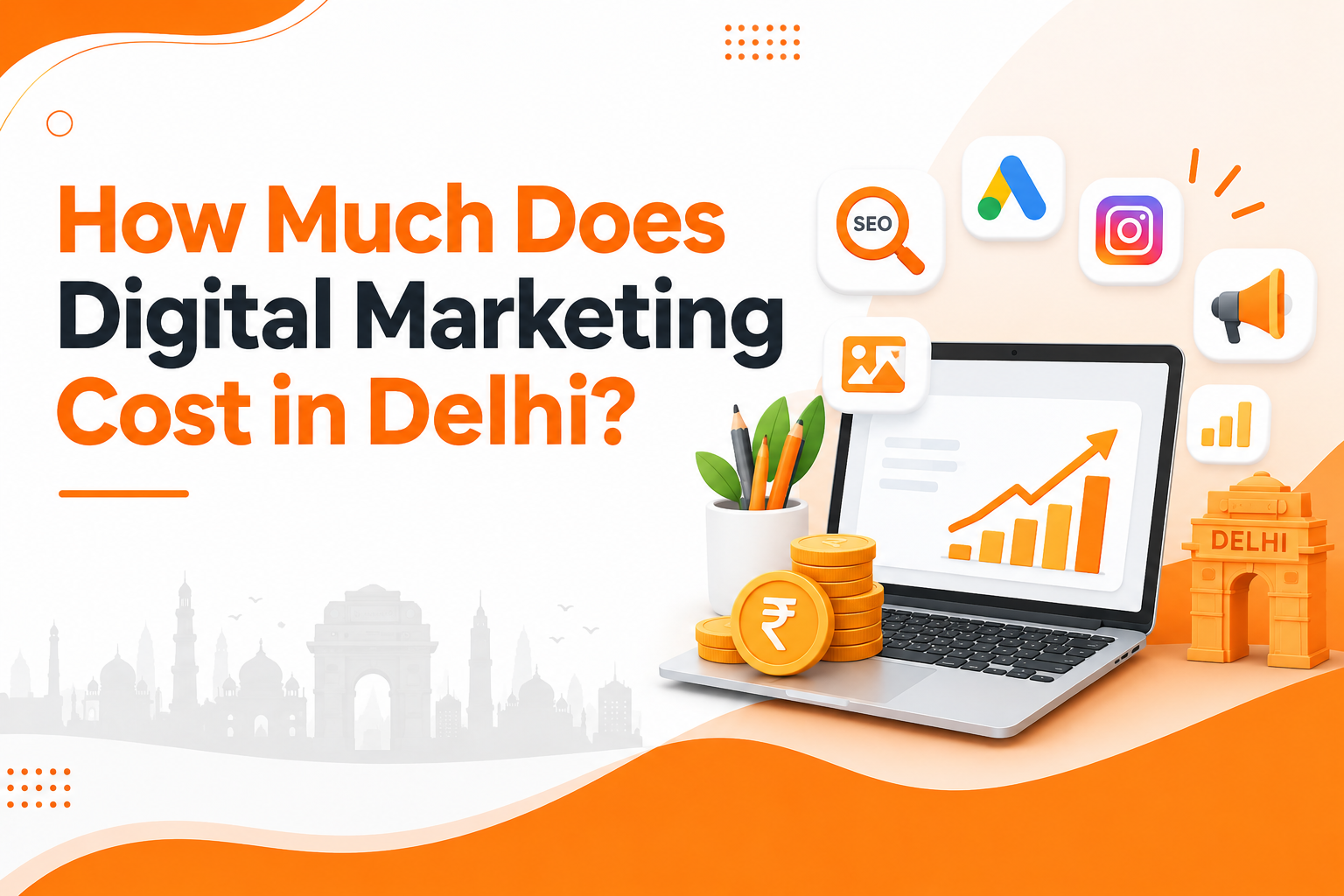
How Much Does Digital Marketing Cost in Delhi?
September 11, 2026, 3 MINUTE READ

How Much Does Digital Marketing Cost in Delhi?

If you are planning to grow your business online, one of the first questions that may come to your mind is: How much does digital marketing cost in Delhi? The answer is not the same for every business. The digital marketing cost in Delhi depends on your business goals, competition, selected services, target audience, and the agency or freelancer you choose. Some businesses may start with a small monthly budget, while others invest more to get faster growth through SEO, Google Ads, social media marketing, content marketing, and other digital marketing services. In this blog, we will explain the average digital marketing cost in Delhi, what factors affect pricing, and how to choose the right digital marketing package for your business. What Is the Average Digital Marketing Cost in Delhi? The digital marketing cost in Delhi can start from around ₹15,000 per month for basic services and can go above ₹1,00,000 per month for businesses that need complete digital marketing support. The final cost depends on the services included in your package. Here is a general idea: Digital Marketing Service Approximate Monthly Cost SEO Services ₹15,000 – ₹50,000+ Social Media Marketing ₹15,000 – ₹40,000+ Google Ads Management ₹10,000 – ₹50,000+ Content Marketing ₹10,000 – ₹40,000+ Local SEO ₹10,000 – ₹30,000+ Complete Digital Marketing Package ₹25,000 – ₹1,00,000+ These prices can change based on your industry, competition, business size, and goals. For example, a local salon targeting Delhi may have a lower digital marketing cost in Delhi compared to a real estate company, e-commerce brand, or national business competing for highly competitive keywords. Why Does Digital Marketing Cost Differ for Every Business? There is no fixed price for digital marketing because every business has different requirements. A small local business may only need local SEO and social media marketing. On the other hand, an established company may need SEO, paid ads, website optimization, content creation, social media management, and conversion tracking. The main factors that affect the digital marketing cost in Delhi include: 1. Your Business Goals Your budget depends heavily on what you want to achieve. Do you want more website traffic? Do you want leads and enquiries? Do you want to rank on Google? Or do you want to build your brand on social media? A business looking for complete growth will usually have a higher digital marketing cost in Delhi than a business that needs only one service. 2. Industry Competition Highly competitive industries require more work and a bigger budget. For example, keywords related to real estate, healthcare, education, finance, law, and digital marketing are usually more competitive. If many businesses are targeting the same audience and keywords, your digital marketing agency may need to spend more time on SEO, content, backlinks, ads, and website optimization. This can increase the overall digital marketing cost in Delhi. 3. Services Included in the Package Your monthly cost will also depend on the services you choose. A basic SEO package may include keyword research, on-page SEO, technical SEO, content optimization, internal linking, and monthly reporting. A complete digital marketing service may include: Search Engine Optimization Google Ads Social Media Marketing Content Marketing Website Optimization Local SEO Google Business Profile Optimization Conversion Tracking Monthly Reports Naturally, a complete package will have a higher digital marketing cost in Delhi compared to a single service. How Much Does SEO Cost in Delhi? SEO is one of the most popular digital marketing services for businesses that want long-term organic traffic. The cost of SEO services in Delhi generally starts from around ₹15,000 per month for small businesses and can increase depending on keyword competition and website size. For a local business, the SEO package may focus on: Local keyword research Google Business Profile optimization On-page SEO Technical SEO Content optimization Local citations Quality backlinks Internal linking For larger websites or highly competitive industries, the SEO budget can be much higher. When calculating the overall digital marketing cost in Delhi, SEO should be seen as a long-term investment rather than an overnight solution. How Much Does Social Media Marketing Cost in Delhi? Social media marketing costs depend on the number of platforms, posts, reels, designs, and campaigns required. A basic social media package may start from around ₹15,000 per month. The cost can increase if your business requires professional video content, influencer marketing, paid campaigns, product shoots, or daily content. Businesses commonly focus on platforms such as Instagram, Facebook, LinkedIn, and YouTube. Social media marketing is especially useful for businesses that want to build brand awareness and stay connected with their target audience. This service can be included in your total digital marketing cost in Delhi or selected as a separate monthly package. How Much Do Google Ads Cost in Delhi? Google Ads pricing is different because there are usually two separate costs. The first is the advertising budget that you pay to Google. The second is the management fee charged by a digital marketing agency. For example, if your monthly ad budget is ₹50,000, the agency may charge a separate fee to create, manage, optimize, and track your campaigns. The total digital marketing cost in Delhi can therefore increase based on your advertising budget and campaign requirements. Google Ads can help businesses get faster visibility, but proper campaign management is important to avoid wasting money on irrelevant clicks. Is It Better to Hire a Freelancer or Digital Marketing Agency? Both freelancers and agencies can provide digital marketing services, but the right choice depends on your requirements. A freelancer may be a good option for a small business with a limited budget and simple requirements. However, a digital marketing agency can provide access to different specialists for SEO, paid advertising, social media, content, design, and website development. While an agency may have a higher digital marketing cost in Delhi, you may also receive a complete team working on different areas of your online growth. The important thing is not to choose a service only because it is cheap. Instead, check the experience, strategy, communication, reporting process, and work quality. How to Choose the Right Digital Marketing Package in Delhi Before choosing a package, understand what your business actually needs. Ask the agency or service provider these questions: What services are included in the monthly package? How will you track performance? Which channels are best for my business? What is the expected timeline for each service? Will I receive regular reports? Are content creation and website optimization included? Is the advertising budget separate from the management fee? A good digital marketing company in Delhi should first understand your business goals instead of offering the same package to every client. The right digital marketing cost in Delhi is not always the cheapest price. A better strategy, quality work, proper tracking, and experienced professionals can provide more value in the long run. How Can You Reduce Your Digital Marketing Cost? You do not always need to invest in every digital channel from the beginning. Start by understanding where your target customers spend their time. For example, if you are a local service business, you may initially focus on local SEO, Google Business Profile optimization, and Google Ads. If you are an e-commerce business, SEO, social media marketing, paid advertising, and product optimization may be more useful. Starting with the right channels can help you control your best online marketing cost in Delhi while focusing your budget on activities that support your business goals. As your business grows, you can gradually add more services to your digital marketing strategy. Final Thoughts So, how much does online marketing cost in Delhi? The answer depends on your business requirements, competition, goals, and selected services. A small business may start with a focused budget of ₹15,000 to ₹30,000 per month, while growing brands and competitive businesses may invest ₹50,000, ₹1,00,000, or even more. Instead of only comparing prices, focus on the value you are getting from the service. The right digital marketing strategy can help improve your Google visibility, website traffic, leads, enquiries, and brand awareness. If you are looking for a reliable digital marketing agency in Delhi, choose a team that understands your business goals and creates a strategy based on your actual requirements. This will help you use your marketing budget more effectively and get better long-term results from your internet marketing cost in Delhi.
Search Google or Type a URL: What Does It Mean?
September 9, 2026, 3 MINUTE READ

Search Google or Type a URL: What Does It Mean?

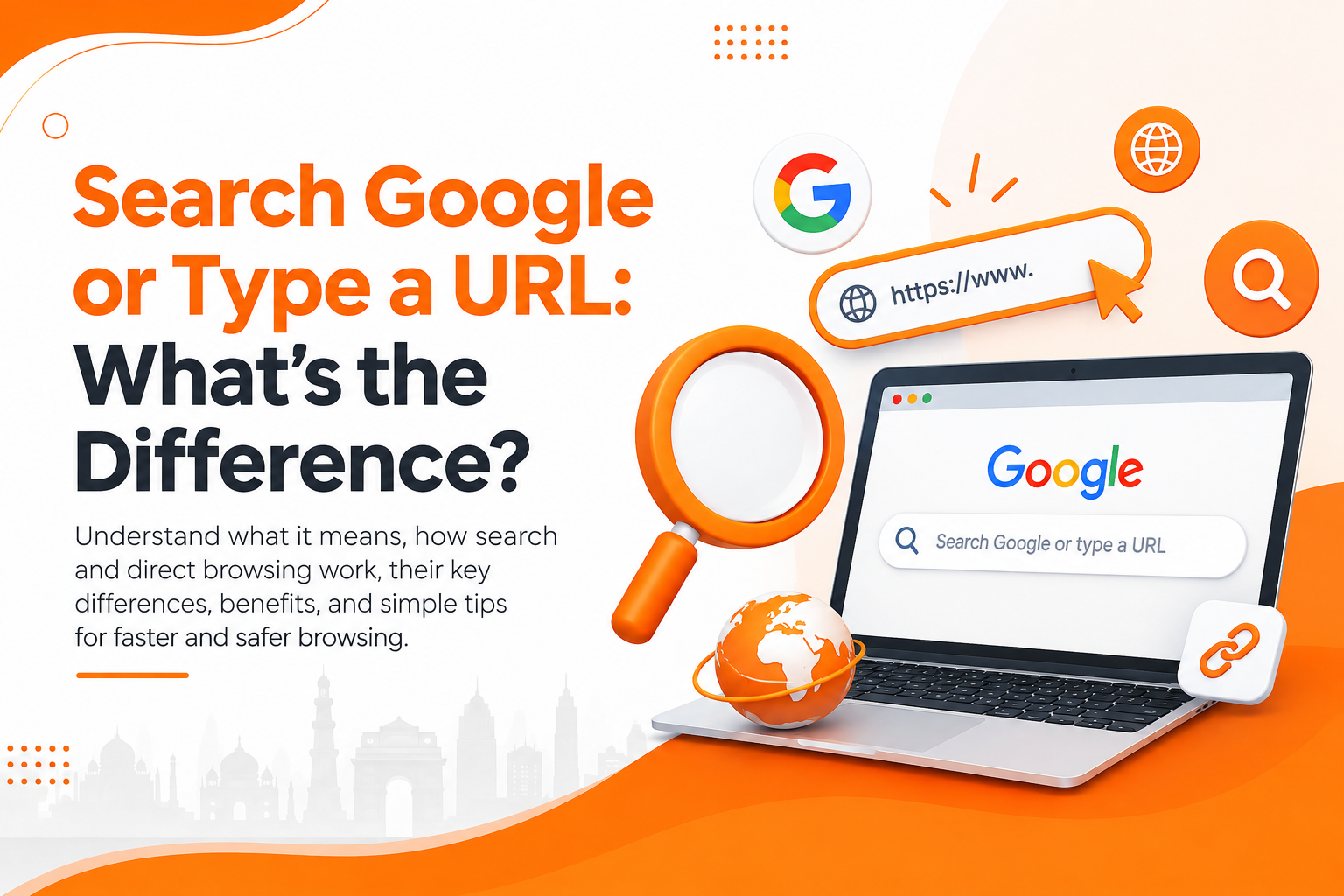
If you have ever opened Google Chrome and noticed the words “Search Google or type a URL” inside the address bar, you may have wondered what they actually mean. Is it a Google feature, a browser setting, or something you need to fix? The simple answer is: nothing is wrong. The message tells you that the same address bar can be used for two things. You can type keywords to search Google, or you can type a website address to open a website directly. Modern browsers combine both functions into one bar, often called the Omnibox.  But when should you search Google, and when should you type a URL? Let's understand it in simple words. What Does “Search Google or Type a URL” Mean? The phrase search Google or type a URL is simply a message shown in the browser's address bar when it is empty. For example, suppose you want to find a digital marketing agency. You can type: best digital marketing agency in Delhi When you press Enter, Chrome sends your words to your default search engine and shows relevant search results. Now, if you already know the website you want to visit, you can type: https://example.com Instead of showing search results, the browser takes you directly to that website. So, the basic difference is very simple: Search Google: Use keywords, questions, or topics to find information. Type a URL: Enter a website address when you already know where you want to go. This is why the browser gives you both options in one place. Why Does Chrome Show This Message? In older browsers, the address bar and search box were separate. One was used for entering website addresses, while the other was used for searching the internet. Modern browsers made things much easier by combining these two functions. Chrome calls this combined field the Omnibox. When you open a new tab and see search Google or type a URL, Chrome is basically saying: “You can use this box to search the internet or visit a website directly.” The exact wording can change depending on your default search engine. For example, if you change your default search engine, the browser may show that search engine's name instead of Google. So, there is no need to remove the message or worry that it is an error. It is simply placeholder text that disappears when you start typing. Search Google vs. Type a URL: Which One Should You Use? Both options are useful, but they are better for different situations. When You Should Search Google Google search is better when you don't know the exact website address or when you want to explore different options. For example, if you search: best restaurants in Delhi Google can show you different restaurants, reviews, maps, websites, and other information. You should search Google when: You are researching a topic. You don't know the exact website URL. You want to compare different websites. You are looking for products or services. You only know the name of a business. You want answers to a question. For example, typing “how to improve website SEO” is much more useful than trying to guess the URL of an SEO website. When You Should Type a URL Typing a URL is better when you already know the website you want to visit. For example, if you want to open YouTube and already know its address, typing the website address directly takes you there without first showing Google results. Typing a URL is useful when: You regularly visit a specific website. You know the exact web address. You want to reach a particular website quickly. You want to avoid unnecessary search results. You are opening a trusted website directly. If you frequently visit the same website, you can also bookmark it. This can save even more time. Search Google or Type a URL: Main Difference The biggest difference is searching versus direct navigation. When you search Google, you are asking the search engine to find something for you. Google looks at your query and provides pages that may answer your question. When you type a URL, you are already telling the browser where you want to go. Think of it like this: Search Google = “Help me find it.” Type a URL = “I know where it is.” For example, if you type “online shopping websites”, you are asking Google to give you options. But if you type the URL of a website you already trust, you are directly visiting that website. Is Typing a URL Faster? Generally, yes. If you already know the exact website address, typing the URL can be faster because you skip the search results page. For example: Search: Type a brand name → Google shows results → Find the website → Click it. URL: Type the website address → Press Enter → Website opens. However, typing a URL only makes sense when you know the correct address. If you are unsure about the spelling, searching Google may be easier. There is also one important point: always check the URL before entering sensitive information, especially for banking, shopping, email, or account login pages. A fake website can look very similar to the real one. What Happens When You Type Something in the Address Bar? You might wonder how Chrome knows whether you want to search or visit a website. The browser looks at what you have entered. If you enter something that clearly looks like a web address, such as: example.com the browser can navigate directly to that domain. If you enter something like: best SEO tools for beginners the browser treats it as a search query and sends it to your default search engine. This automatic system is one of the main reasons the combined address bar is so convenient. You don't have to decide beforehand whether you are using a search box or an address bar. Useful Search Bar Tips The address bar can do more than just search Google or open websites. You can use search operators to get more specific results. For example: site:example.com SEO This can help you find SEO-related pages from a particular website. You can also type questions, calculations, definitions, and many other queries directly into the address bar. If you visit certain websites regularly, bookmarking them can also save time. And if you notice that your browser is suddenly using an unfamiliar search engine, check your browser settings and extensions. Final Thoughts So, what does search Google or type a URL actually mean? It simply means that your browser's address bar can perform two jobs. You can search Google when you are looking for information, or type a URL when you already know the website you want to visit. Neither option is always better. It depends on what you are trying to do. If you are exploring a topic, comparing websites, or don't know the exact address, search Google. If you already know the website and want to reach it quickly, type the URL. Once you understand this simple difference, the phrase search Google or type a URL becomes much easier to understand—and you can browse the internet more quickly and confidently.

Best Digital Marketing Agency in Delhi NCR 2026
August 21, 2026, 3 MINUTE READ

Best Digital Marketing Agency in Delhi NCR 2026

Click Mecha is a renowned Digital Marketing Agency in Delhi which helps businesses gain an effective online presence, attract quality leads, and ensure profitable growth. We provide tried and tested digital marketing tactics and data analytics for increasing your company's search engine rankings, online traffic, and overall marketing performance. The full range of our digital marketing services includes SEO, Google Ads, Local SEO, website development, social media marketing, content marketing, and artificial intelligence marketing services. Each one is customized according to your business objectives, target audience, industry, and growth needs. In Click Mecha, we help startups, healthcare organizations, ecommerce companies, manufacturers, and service businesses get quality inquiries through digital marketing. Whether you need to improve organic search rankings, run profitable paid ads, or have conversion optimized websites, we offer customized solutions to grow through digital marketing. Why Your Business Need a Digital Marketing Agency in Delhi? Most customers search online before deciding which product or service to choose. Businesses that fail to appear for high-intent searches can lose valuable enquiries to competitors already visible on Google Search and Google Maps. A well-planned digital marketing strategy helps your business reach potential customers when they actively search for your services, driving qualified enquiries through organic search, paid advertising, and local search. Partnering with an experienced agency minimizes marketing guesswork, improves campaign efficiency, and ensures your budget is focused on channels that deliver stronger returns. Every campaign begins with detailed keyword research, competitor gap analysis, search intent assessment, and website performance audits before implementation. Our strategies focus on increasing qualified enquiries, improving conversion rates, strengthening keyword visibility, and maximizing marketing ROI rather than simply generating traffic. How We Help Businesses Grow Online? Create Better Online Visibility – Increase your visibility on Google, other search engines, and even locally. Generate Qualified Leads – Target those who are currently looking for your offerings. Increase Search Visibility – Apply search engine optimization to increase your keyword visibility. Make Your Ad Perform Better – Run effective Google Ads campaigns that target conversion. Convert Visitors Into Conversions – Optimize your website and marketing to increase conversions. Our Approach as a Digital Marketing Agency in Delhi Business & Competitor Analysis – We know your business, audience, competitors, and market to formulate a targeted growth plan. Keyword & Search Intent Research – We research and uncover relevant keywords as well as the intent behind searches from potential customers. Integrated Digital Strategy – We implement an integrated digital marketing approach using SEO, Google Ads, social media, and content marketing. Performance Optimization – We constantly optimize your campaigns through performance monitoring and opportunities analysis. Reporting & Insights – We deliver detailed monthly reports with performance insights and recommendations. Complete Digital Marketing Services from a Trusted Digital Marketing Company in Delhi Our Digital Marketing Services are designed to help businesses improve search visibility, generate qualified enquiries, and increase conversions through SEO, Google Ads, website design, Local SEO, and AI-powered marketing. Industries We Help Grow Through Digital Marketing We create customized digital marketing strategies based on the unique goals, audience, and competition of each industry. Our solutions help businesses build visibility, attract qualified leads, and achieve sustainable online growth. Healthcare – Build trust and attract patients through targeted search and local marketing. Real Estate – Generate quality property enquiries and connect with high-intent buyers. Education – Reach students and increase admissions through strategic digital campaigns. Ecommerce – Drive targeted traffic, boost product visibility, and increase online sales. Manufacturing – Generate B2B leads and strengthen your digital presence in competitive markets. Hospitality – Increase bookings, visibility, and customer engagement through digital channels. Professional Services – Build authority and attract relevant clients searching for your expertise. Startups & Small Businesses – Establish a strong online presence and generate consistent growth with focused strategies. Our Digital Marketing Process Step 1: Business Discovery & Website Assessment Every project starts with understanding your business, target audience, competitors, website performance, and current digital presence before developing the marketing strategy. We Review Business Goals Target Audience Existing Website Target Locations Search Visibility Competitors Lead Generation Step 2: Keyword & Market Research We identify the keywords, search trends, customer intent, and market opportunities that can help your business reach the right audience. We Research Target Keywords Search Intent Competitor Keywords Search Trends Content Opportunities Local Search Terms Step 3: Strategy Development & Implementation We create and implement a customized digital marketing strategy based on your business objectives, audience, competition, and growth opportunities. We Implement SEO Strategy Google Ads Local SEO Social Media Marketing Content Marketing Website Optimisation Step 4: Campaign Monitoring & Optimisation We continuously monitor campaign performance and make data-driven improvements to increase visibility, qualified leads, conversions, and marketing efficiency. We Monitor Keyword Rankings Website Traffic Ad Performance Lead Quality Conversion Rates Campaign ROI Step 5: Reporting & Performance Analysis We provide clear and transparent reports that show campaign progress, key results, and opportunities for further growth. We Report SEO Performance Leads Generated Conversion Results Advertising Performance Traffic Growth ROI & Insights Why You Choose Click Mecha As A Best Digital Marketing Agency In Delhi 1) 8+ Years of Digital Marketing Experience 2) 230+ Businesses Served 3) 3+ Countries Served 4) Industry Expertise Across 10+ Business Sectors 5) ROI-Focused Marketing Strategies Serving Businesses across Delhi & Delhi NCR Final Words Choosing the Best Digital Marketing Agency in Delhi NCR 2026 can help your business build stronger online visibility, attract qualified leads, and achieve sustainable growth. At Click Mecha, we combine SEO, Google Ads, Local SEO, social media, content marketing, website optimization, and AI-powered strategies to create solutions aligned with your business goals. With a data-driven and ROI-focused approach, we help businesses turn their digital presence into measurable growth and long-term results.

Let's Talk 💬 About
Your 👋 Next Project
Phone Number:+91-99996-73073
Phone Number:+91 99990 08998
Email:kavya@clickmecha.com
FREE
Chat with us!